
How to build your own Ubuntu Core image and other documentation add-on

David Callé
on 21 November 2016
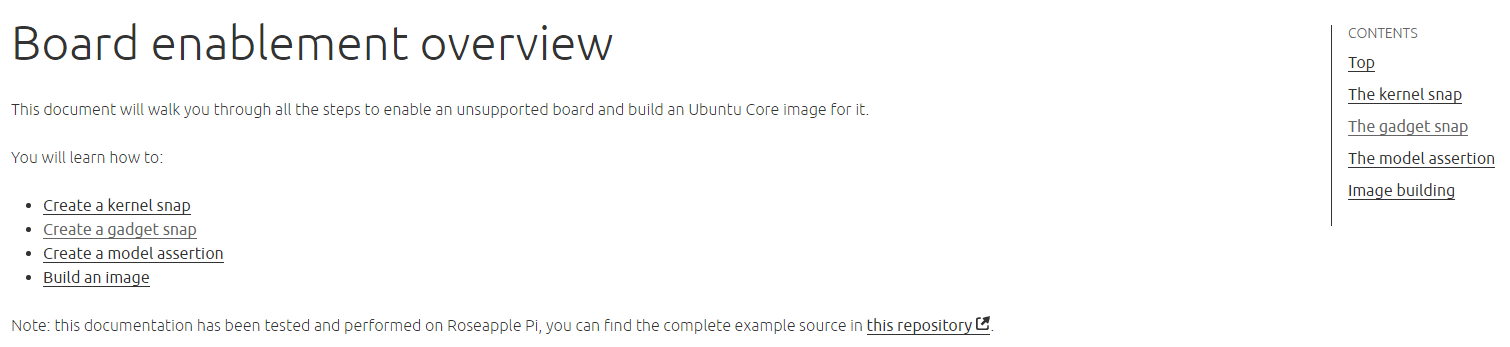
2 weeks since the launch of Ubuntu Core 16! Many of you have been asking for help porting Ubuntu Core to new boards, chips or simply building your own images for supported boards like the Raspberry Pi. Wait no more!! Here is the first piece of documentation to help you build an Ubuntu Core image for your preferred board.
New documentation
The new Board enablement documentation gives a set of instructions for advanced users to help them enable new boards and build images, including kernel building, gadget snap composition, signature generation and model assertion creation.
The latest new interfaces have been added to the core interfaces reference:
- `raw-usb` allowing access to connected USB devices
- `lxd`, allowing usage of the LXD API through the LXD snap
Updates
The Security and sandboxing overview has been augmented with debugging guidance to investigate which authorizations your apps need to request to work within security confinement.
Improved looks
The doc interface also got a few enhancements, with an in-page navigation menu on the right hand side which will help navigate through long pages (and yes there are a few long pages 🙂 .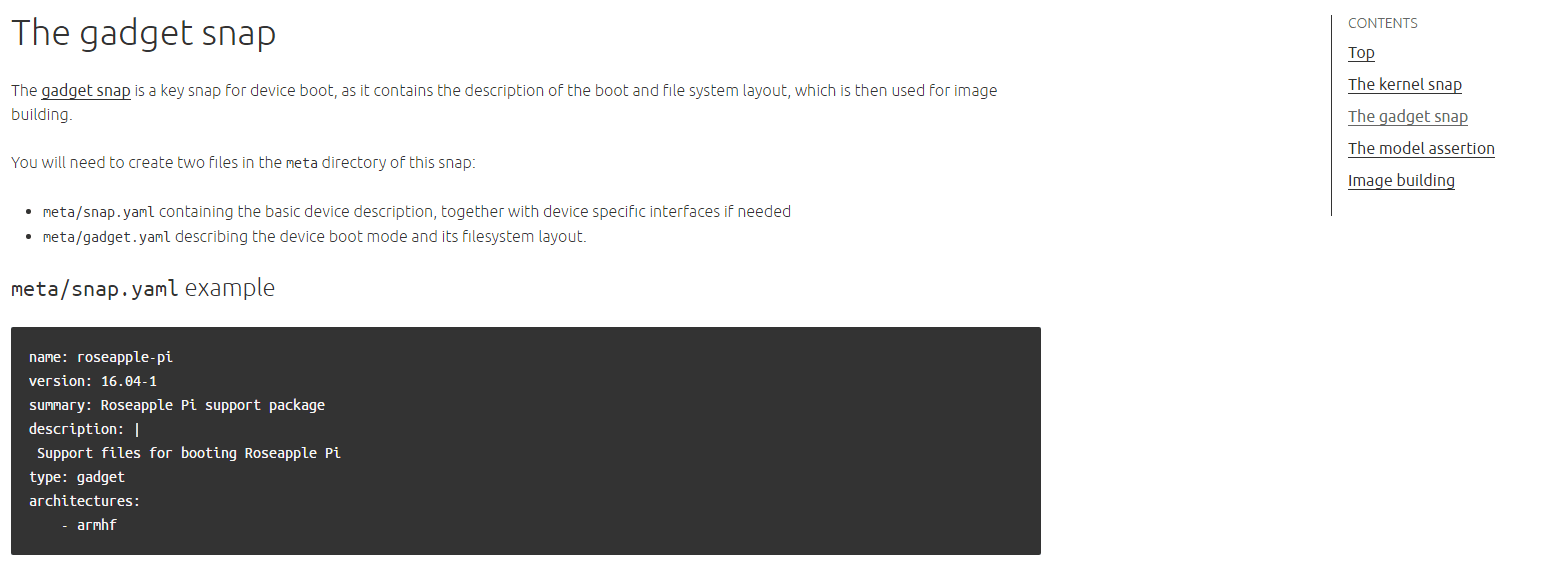
Talk to us today
Interested in running Ubuntu in your organisation?
Newsletter signup
Related posts
Ubuntu Server: a platform made for enterprise scale
A platform is an environment that allows software to run smoothly across the infrastructure, runtime, and application layers. The key word there is...
Building an open source chain of trust: new research uncovers key blockers and ways forward
Canonical is pleased to share its latest research report, “The open source chain of trust.” Based on a survey of 500 DevOps professionals, the report...
Beyond safety and security: Why automotive open source demands dependability
In the traditional automotive world, teams often work in silos: the cybersecurity experts lock down the ports, the quality assurance teams hunt for bugs, and...